Guide
A list of businesses in any area, into Excel.
Every plumber in the city, every accountant within twenty miles, every restaurant in a district: the lists already exist, published by directories and local organisations for people to browse. Here is where to find them and how to turn one into a spreadsheet — name, address, phone and website — without paying per row.
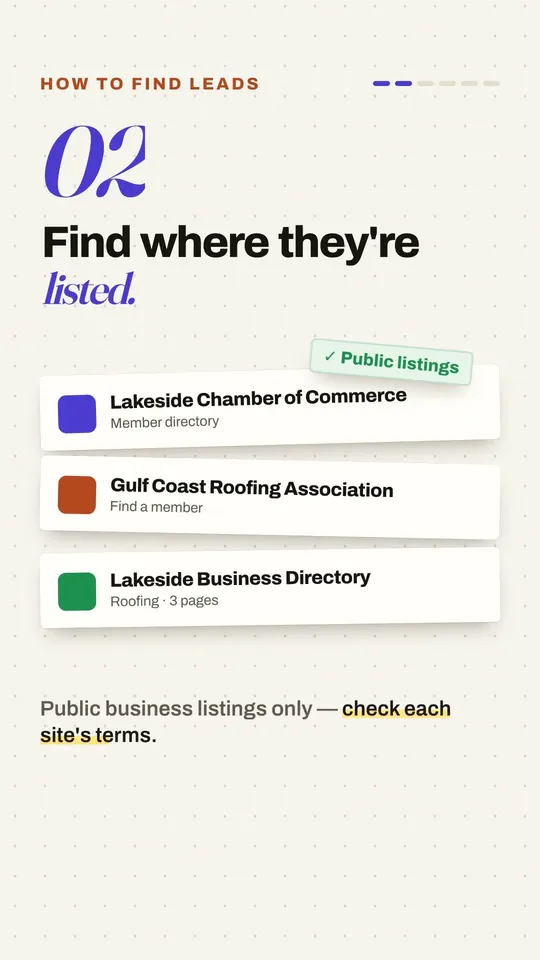
Where the lists are
Business directories
Yellow Pages and its equivalents — Superpages in the US, Yellow Pages Canada, TrueLocal and Yellow Pages in Australia, Europages for suppliers. Search a trade and a town. Guide.
Chambers of commerce
Most towns have one, and its member directory lists local businesses that joined to be found. Guide.
Industry associations
Trade bodies publish member lists — builders, accountants, manufacturers — often with the member's specialities.
Council and government lists
Some cities publish their business licences as open data, and regulators list who holds a licence. Look for a city's "open data" portal.
From search results to a spreadsheet
Search the trade and the town
On the directory, search the way you normally would and open the first page of results. Click the Magic Scraper icon: the listings are found, with columns such as name, phone, address and rating.
Collect every page
On the Crawl tab press Auto-detect "Next", then Start crawling. Every page of results goes into one table, with a pause between pages. Free, no page limit.
Add what each listing's page says
The website, email or opening hours are often only on each business's own page. Drill-down opens each one and adds them as columns — free for three rows, every row with Pro.
Export and tidy
Export to Excel. If you collected more than one search or source, remove duplicates by name and phone in Excel (Data → Remove Duplicates).
Video: Stop buying lead lists (do this instead). It plays from YouTube when you press play.
Using it well
Keep to business details — the company, its address, its main phone and website. Check each directory's terms, and contact businesses the way your local rules on marketing calls and email allow. The rules in plain words.
Reasonable questions
Where can I get a free list of businesses in my area?
Public business directories (Yellow Pages and its equivalents in other countries), your local chamber of commerce's member directory, industry association member lists, and in some cities the council's published list of business licences. Each can be turned into a spreadsheet with a browser extension.
Can I get email addresses too?
Only where a directory or a business's own page shows them. Drill-down collects them from each listing's page when they are there; it doesn't guess addresses or look them up elsewhere.
Is it legal?
Often, for business details used carefully, but it depends on the site's terms and on data-protection and marketing rules where you and the businesses are. See Is it legal to scrape a business directory?
What about Google Maps?
Its terms restrict collecting its listings, so this guide sticks to directories that publish lists for people to browse.